Print big without the math
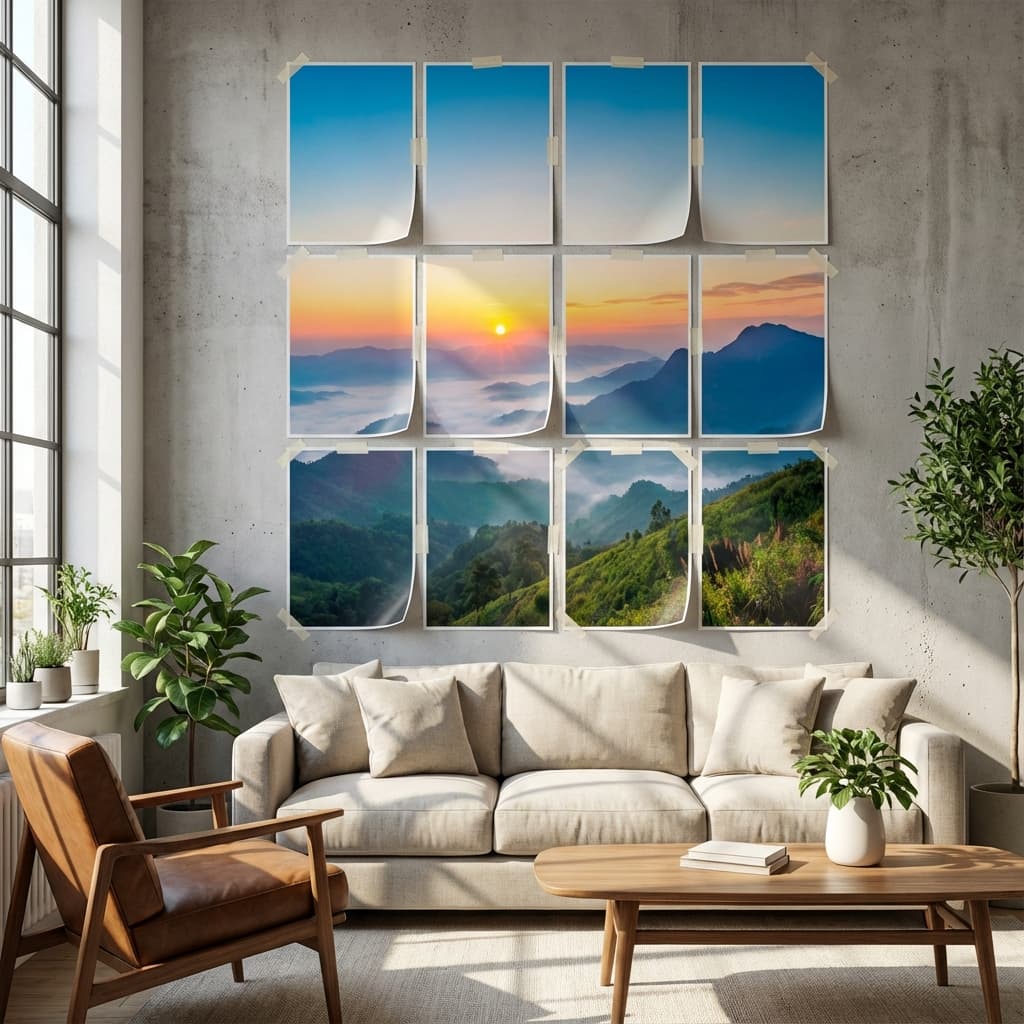
Photo grid maker to turn photos into printable grids.
Upload a photo, split it into printable grids, and download a print-ready PDF. Stay private, skip the guesswork, and pay only when you exceed the free limit.
How it works
Split a photo into grids in three steps.
PrintTiler guides you from upload to PDF with clear previews, optional cut marks, and labeled tiles.
Upload and crop
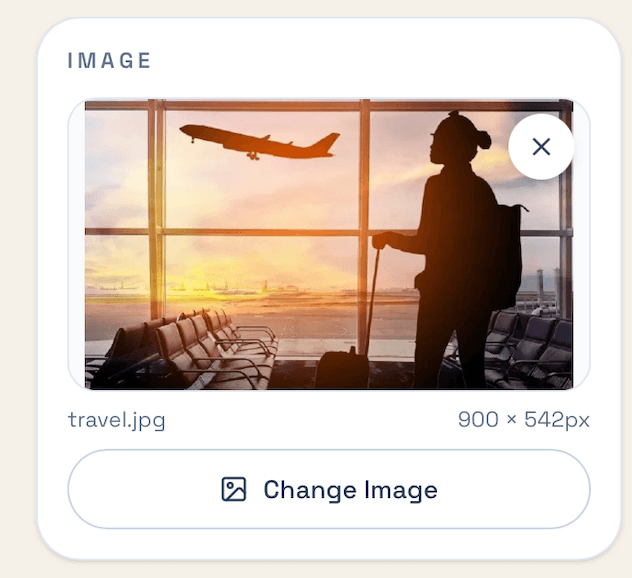
Drop in a JPG, PNG, or WEBP and frame it exactly how you want.
All processing stays on your device.
Choose tiles and paper
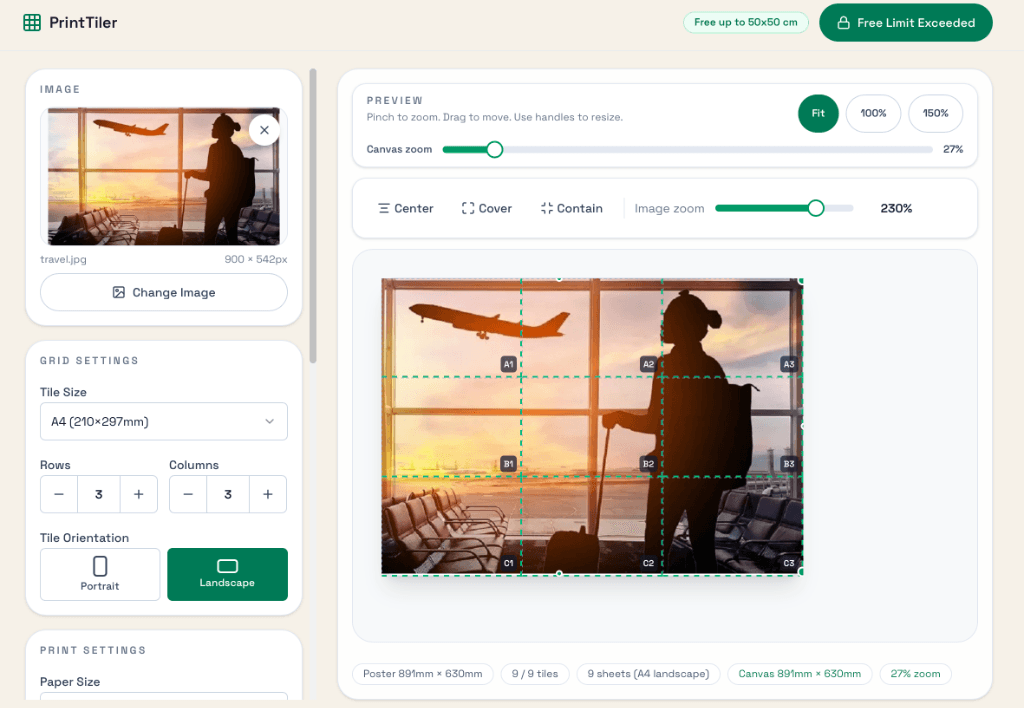
Pick tile size, paper size, and layout. We handle the math for you.
A tile is one printed page.
Export and print
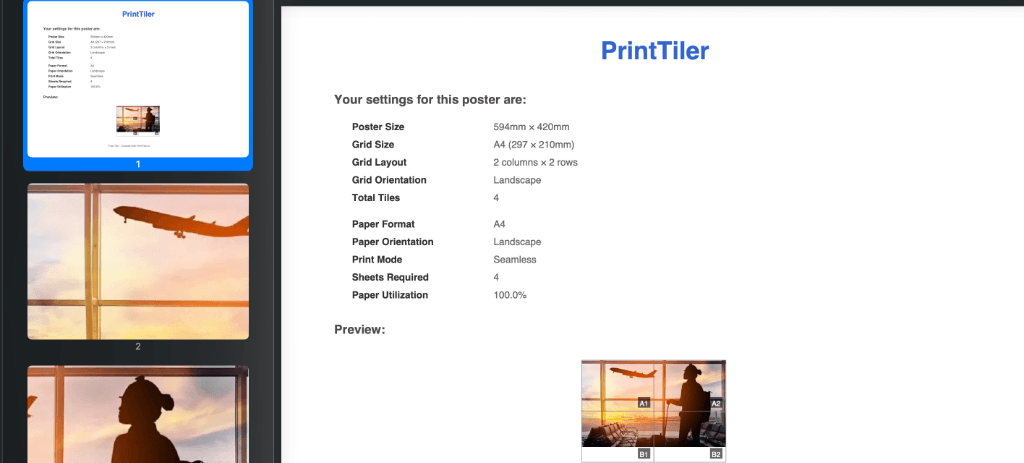
Download a print-ready PDF with labels and cut marks.
No account required.
Features
Everything you need for a photo tile collage print.
Built for accuracy, clear assembly, and consistent output across paper sizes.
Smart layout
Auto-fit tiles for efficient paper use and clean alignment.
Two print modes
Choose window-pane borders or seamless poster edges.
Cut marks + labels
Trim confidently with clear guides on every page.
Print-ready PDF
High-quality PDF output with consistent margins.
Private by default
Images stay on your device. Nothing is uploaded.
Helpful assembly
Row and column labels make setup fast and accurate.
Pricing
Simple pricing with one upgrade.
Stay free for smaller posters. Pay only when you need a larger export.
Up to 50x50 cm (19.7x19.7 in) posters.
- 150 DPI output
- Both print modes
- Small watermark
Per download when you exceed 50x50 cm (19.7x19.7 in).
- No account needed
- No watermark
- Instant PDF download
Gallery
See what your print tile collage can look like.
Mix sizes, layouts, and print modes to match your space. Tap a sample to view it full screen.
Advertisement
Global stats
Used worldwide across 100+ countries.
See where PrintTiler is being used with the immersive country-level globe and market breakdown.
Open Global StatsGuides
Poster splitter guides and use cases.
Explore practical workflows for splitting photos into grids, printing large posters, and choosing the right paper size.
Using PrintTiler with AI
Generate deep links, share layouts, and track AI referrals.
Read guideDeep Link Docs
Official deep-link spec with parameters and examples.
Read guidePoster Splitter
Split photos into printable tiles with rows, columns, and paper sizes.
Read guidePhoto Grid Maker
Build clean photo grid collages for wall art, classrooms, and events.
Read guidePrint Large Poster
Tile a big poster across multiple pages and print it at home.
Read guideRasterbator Alternative
A modern poster tiler with A-series sizes and PDF export.
Read guideA4 Poster Printing
Use A4 sheets to build larger posters with accurate sizing.
Read guideA4 vs Letter vs Legal
Understand ISO A4 vs North American Letter/Legal and choose the right paper.
Read guidePrint Image Multiple Pages
Split any image across multiple pages for easy assembly.
Read guidePhoto to Printable PDF
Turn a photo into a print-ready PDF with a tile layout.
Read guideMulti-Page Poster Generator
Generate large posters by tiling one image across pages.
Read guideHome Printer Poster Tiling
Tile posters for A4 or A3 home printing and easy assembly.
Read guidePrintable Wall Art Maker
Create wall art by turning photos into tiled poster prints.
Read guideFAQ
Common questions about splitting photos into grids.
If you are still unsure, start with a small poster and scale up.
What counts as the free limit?
Posters up to 50x50 cm (19.7x19.7 in) are free. If your layout exceeds that area, you can pay $1.99 to export without a watermark.
Do you upload my photos?
No. All processing happens in your browser. Your images never leave your device.
What is DPI?
DPI means dots per inch. Higher DPI means sharper prints. PrintTiler keeps output crisp for large posters.
What paper sizes are supported?
You can tile with A3 to A10 and print on A3, A4, or A5 paper sizes.
Should I print at actual size or fit to page?
Always print at actual size or 100 percent scale. Fit to page shrinks tiles and makes alignment harder.
Do I need to trim borders?
Trim only in seamless mode. Window-pane mode keeps a thin border so you can align pages without cutting.
What printers work best?
Most home inkjet or laser printers work well. A4 is the most common, while A3 lets you use fewer sheets.
Will printing use a lot of ink?
Large posters use more ink than a single page. Use standard quality and test a small print if you are unsure.
How do I align the tiles?
Lay the tiles out first, follow the row and column labels, and tape from the back for a clean front edge.